Integrating 3D Snowflake Christmas SVG DXF Files Into Creative and Commercial Workflows
The transition from flat, two-dimensional crafting to dimensional paper art requires a shift in both design philosophy and file management. When working with a 3D Snowflake Christmas SVG DXF bundle, creators are not merely cutting out a shape; they are engineering a multi-layered structure that relies on precision, alignment, and material consistency. These digital assets serve as the foundational blueprint for projects ranging from intricate shadow boxes to scalable holiday merchandise. Understanding how these files function within software ecosystems like Cricut Design Space, Silhouette Studio, and laser cutting platforms is essential for moving beyond simple hobbyist applications into professional-grade production and efficient personal project execution.
Understanding the Multi-Layer Architecture
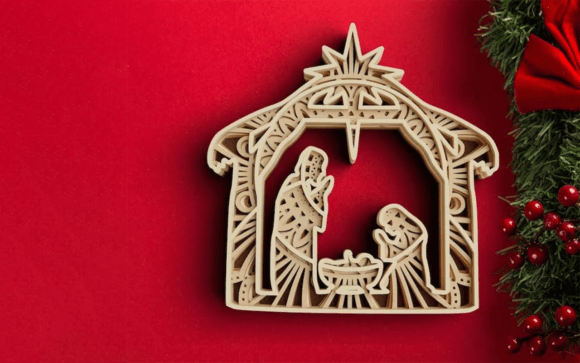
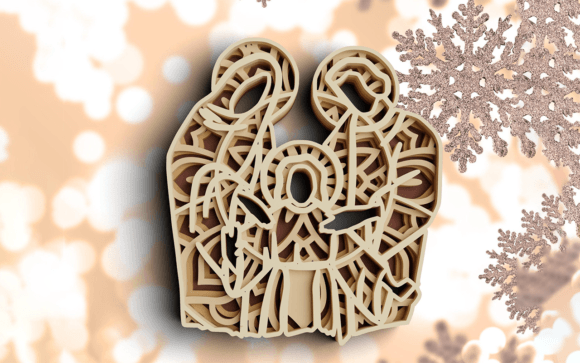
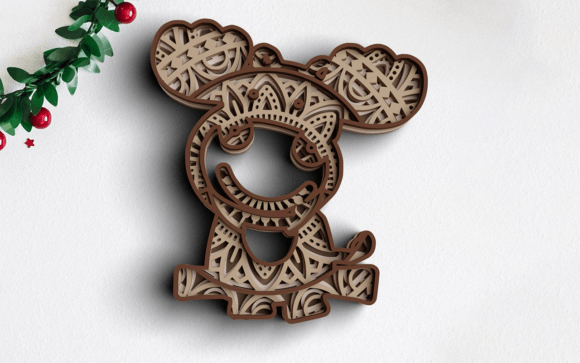
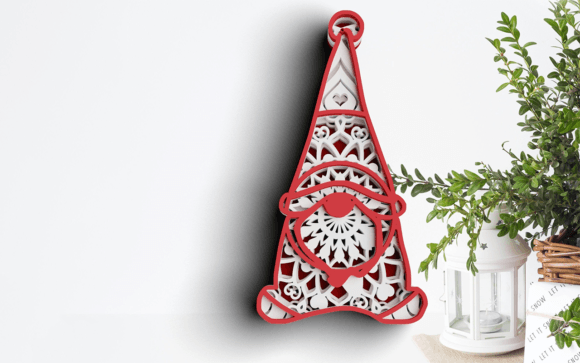
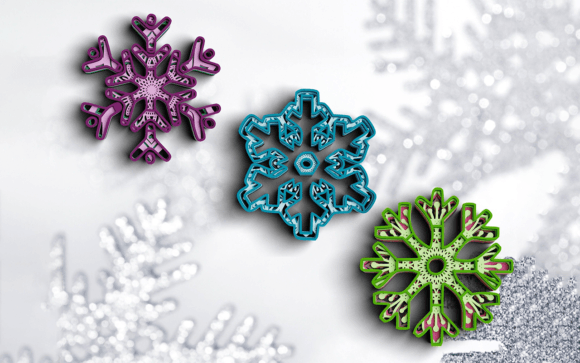
A standard vector cut file differs significantly from a layered mandala design. The 3D Snowflake Christmas SVG DXF files in this collection are specifically engineered with four and five distinct layers. This layering is not aesthetic alone; it is structural. Each layer acts as a spacer and a visual component, creating depth through negative space and stacked geometry. For professionals and serious hobbyists, recognizing this architecture during the planning phase prevents costly material waste and machine errors.
The inclusion of separate SVG files for each individual layer is a critical workflow feature. While a single merged SVG is convenient for quick previews, having isolated layer files allows for granular control. In a production environment, you may need to adjust the kerf (cut width) or score lines on specific layers without affecting the entire assembly. For example, the base layer of a snowflake shadow box often requires different stability settings than the delicate top filigree. Accessing individual layers enables users to apply specific cut pressures, blade depths, or laser power settings tailored to the function of that specific tier.
Software Compatibility and Pre-Production Setup
Efficient integration begins with selecting the correct file format for your specific hardware. The bundle provides versatility across three primary manufacturing methods: vinyl/craft cutting, laser cutting, and printing.
- Cricut and Silhouette Users: Utilize the SVG files. These are natively supported in Cricut Design Space and Silhouette Studio Designer Edition. The vector paths are optimized for blade cutting, meaning nodes are minimized to reduce jagged edges. Before cutting, always ungroup the design to verify that all layers are present and correctly sized relative to one another.
- Laser Cutter Operators: Prioritize the DXF and EPS formats. DXF files are universally compatible with LightBurn, RDWorks, and Glowforge software. They maintain precise geometric data without the rendering artifacts sometimes found in SVGs. The EPS files serve as a reliable backup for Adobe Illustrator or CorelDRAW workflows where further vector manipulation or resizing is required before exporting to laser software.
- Print and Digital Designers: The high-resolution 300 DPI PNG files bridge the gap between physical fabrication and digital marketing. These are essential for creating product mockups, listing photos for e-commerce platforms, or printable clip art. Having individual PNGs for each layer also facilitates digital compositing in Photoshop or Procreate, allowing designers to visualize color variations before committing to physical materials.
Before initiating any cut or engrave job, a test run is mandatory for 3D mandala designs. Material thickness varies by batch, even within the same brand of cardstock or basswood. A fit test using scrap material ensures that the registration marks or interlocking tabs align perfectly. This step validates the digital file against the physical tolerances of your specific machine.
Material Selection and Assembly Logic
The success of a 3D Snowflake Christmas SVG DXF project hinges on material choice. Because these designs blend traditional Christmas motifs with complex mandala geometry, the material must balance rigidity with detail retention. For paper-based shadow boxes, 65lb to 80lb cardstock is typically the operational sweet spot. Heavier stocks provide better separation between layers but may obscure fine mandala details if the blade is not sharp. Lighter stocks cut beautifully but may warp when adhesive is applied.
For laser-cut versions, 1/8-inch basswood or birch plywood offers the necessary structural integrity for hanging ornaments or standalone decor. When working with wood, the "blend of Christmas and 3D Mandala theme" translates differently than in paper. Wood grain direction becomes a variable in the planning process. Cutting against the grain can cause chipping on intricate mandala points, while cutting with the grain preserves detail. Integrating this consideration into your pre-production checklist ensures a higher quality finish.
Assembly requires a systematic approach. Unlike flat decals, 3D snowflakes demand precise stacking. Using foam tape or silicone glue spacers maintains consistent distance between the four or five layers. For commercial sellers, establishing a standardized assembly jig or template can drastically reduce production time. This transforms the creative act into a repeatable manufacturing process, ensuring that every unit produced meets the same quality standards.
Commercial Applications and Product Diversification
For entrepreneurs and small business owners, this digital asset represents more than a single product; it is a platform for diversification. The instant download nature of the bundle allows for immediate integration into seasonal inventory planning. However, maximizing ROI requires strategic implementation across multiple channels.
Physical Products: Beyond standard ornaments, consider scaling the design. At 12 inches, the 3D snowflake becomes a window cling or wall decal. At 4 inches, it serves as a gift tag or cake topper. The vector nature of the SVG and DXF files means resizing does not degrade quality, allowing one design asset to populate multiple SKU categories.
Digital Products: The included PDF and PNG files enable the creation of derivative digital goods. Educators and content creators can use the high-res images in holiday lesson plans, blog headers, or social media templates. Selling the printed version or offering the digital clip art as part of a larger design bundle creates revenue streams that do not require inventory management or shipping logistics.
Customization Services: The layered structure allows for personalized modifications. Adding a family name to the center layer or changing the color scheme to match specific branding turns a generic template into a bespoke service. Because the files are editable vectors, this customization adds value without requiring ground-up design work.
File Organization and Long-Term Asset Management
Digital asset management is often overlooked in creative workflows, yet it directly impacts long-term efficiency. Upon downloading the ZIP file, immediate organization is recommended. Create a master folder structure that separates source files by type (SVG, DXF, EPS, PNG) and includes a subfolder for project-specific iterations.
Naming conventions matter. Renaming generic files like "layer1.svg" to "Snowflake_Mandala_Base_White.svg" prevents confusion during high-volume production periods. Maintaining a log of successful material settings paired with specific file versions creates an institutional knowledge base. If you return to this 3D Snowflake Christmas SVG DXF bundle next season, having documented settings for your Cricut Maker or xTool D1 eliminates the need for re-testing.
Furthermore, backing up the original, unaltered source files is crucial. It is common practice to save modified versions separately. This ensures that if a file becomes corrupted during editing or if a new machine requires different optimization parameters, the pristine master copy remains available. This discipline in file hygiene protects your investment and streamlines future creative cycles.
Quality Control and Troubleshooting Integration
Even with perfect files, variables in the physical world introduce risk. Implementing a quality control checkpoint at each stage of the 3D snowflake creation process safeguards the final output. After cutting, inspect each layer for incomplete cuts or tear-out before weeding. Discarding a flawed layer at this stage saves hours of wasted assembly time.
During assembly, verify alignment under direct lighting. Shadows reveal misalignment that overhead ambient light might hide. For sellers, photographing the final product in natural light serves as both a QC check and marketing asset generation simultaneously. If issues arise consistently, such as torn centers in the mandala pattern, revisit the blade depth or laser speed settings rather than blaming the file. Vector files are mathematical certainties; physical failures usually stem from calibration drift or material inconsistency.
Ultimately, the 3D Snowflake Christmas SVG DXF bundle is a tool designed to facilitate creation. Its value is realized not just in the beauty of the final snowflake, but in the efficiency of the process used to create it. By treating these files as integral components of a broader workflow—encompassing software preparation, material science, assembly logic, and business strategy—creators can elevate their holiday projects from simple crafts to professional, scalable endeavors. Whether producing a single heirloom gift for a loved one or fulfilling fifty orders for an Etsy shop, the principles of structured execution remain the key to success.